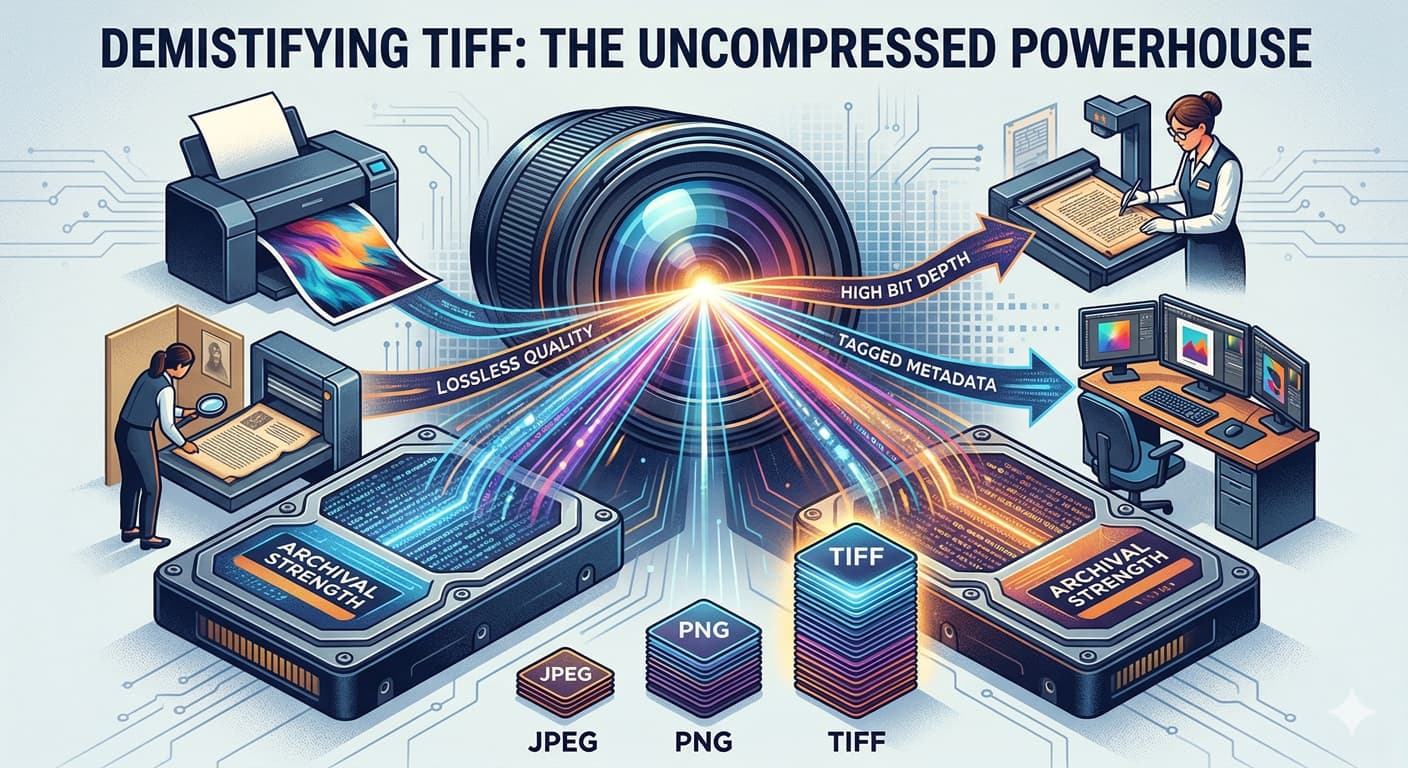
What is a TIFF, Anyway?
Created back in the 1980s by Aldus Corporation (now Adobe), the TIFF was designed to be a universal standard for digital images, particularly for scanned graphics. Its primary mission: to preserve every ounce of data. In a world where space was limited and compression was common, the TIFF stood tall as the bastion of quality.
Think of it like this: if an image is a detailed piece of art, a JPEG is like a well-made photocopy. It's efficient, good enough for most things, but some detail is lost. A TIFF is the original masterpiece itself.
The Secrets to Its Power
So, what makes the TIFF so special? Here’s the technical lowdown in plain English:
-
Lossless Compression: This is the big one. Unlike a JPEG, which permanently deletes data to shrink file sizes (lossy compression), a TIFF uses lossless methods (like LZW) or no compression at all. This means you can open, edit, and re-save a TIFF image thousands of times, and the pixel quality will remain absolutely perfect. Zero degradation.
-
"Tagged" for a Reason: The name isn’t just cool. A TIFF file uses "tags" to store vast amounts of metadata. These aren’t just "exposure settings"; they can tell a printer how much black ink to use (CMYK), define precise color spaces, or even handle transparency and multiple layers, much like a Photoshop file.
-
Incredible Depth: Most JPEGs are 8-bit, managing about 16.7 million colors. A TIFF can store 16-bit or even 32-bit data per color channel. That means it can represent trillions more colors, ensuring smooth gradients and unparalleled tonal range.
TIFF vs. The World: When to Use It
TIFF isn't a one-size-fits-all solution. It has very specific, powerful applications.
-
Use TIFF For:
-
Archiving: It’s the gold standard for digitizing and permanently preserving artwork, historical documents, and original photographic negatives.
-
Professional Printing: When quality is paramount—think posters, art books, and magazine layouts—printers demand TIFF for its color precision and lack of compression artifacts.
-
The "Master" File: Keep your high-res, fully-edited images in TIFF. It’s your safety net. If you need a smaller file later, you can always make a JPEG from the TIFF.
-
-
Avoid TIFF For:
-
Websites & Emails: TIFFs are massive. An uncompressed 24MP image can be over 140MB. They won't load in standard web browsers and are terrible for email attachments.
-
General Storage: If you're just storing thousands of vacation photos, using TIFF will obliterate your hard drive space. Stick to high-quality JPEGs.
-
The Verdict
The TIFF format is a specialist. It trades off file size and ease-of-use for absolute, unwavering quality. It is the "Source of Truth" in the digital darkroom. If you need the ultimate digital representation of an image, or are prepping something for the press, the TIFF is your answer. Just don't try to upload it to your Instagram feed.